Reading Groups

Eduardo Stuart
4 min read
I've always said reading, for me, is something personal. Quiet. Just time with a book. I built Book Reading Habit around that idea, and it hasn't changed.
But here's something I kept running into: the easiest way to show up on the days you don't feel like it is knowing that someone else is showing up too. Not an audience - company. A couple of people who are also trying to read a little every day, quietly cheering you on.
The problem is that "reading together" usually means joining a social network. Public profiles, follower counts, a feed full of strangers' opinions. That's exactly what I didn't want - it's why I built a tracker instead of joining one of those.
So I spent the last few months building the version of "together" I actually wanted. Reading Groups arrive in Book Reading Habit 5.1 - and they're private by architecture, not by settings.
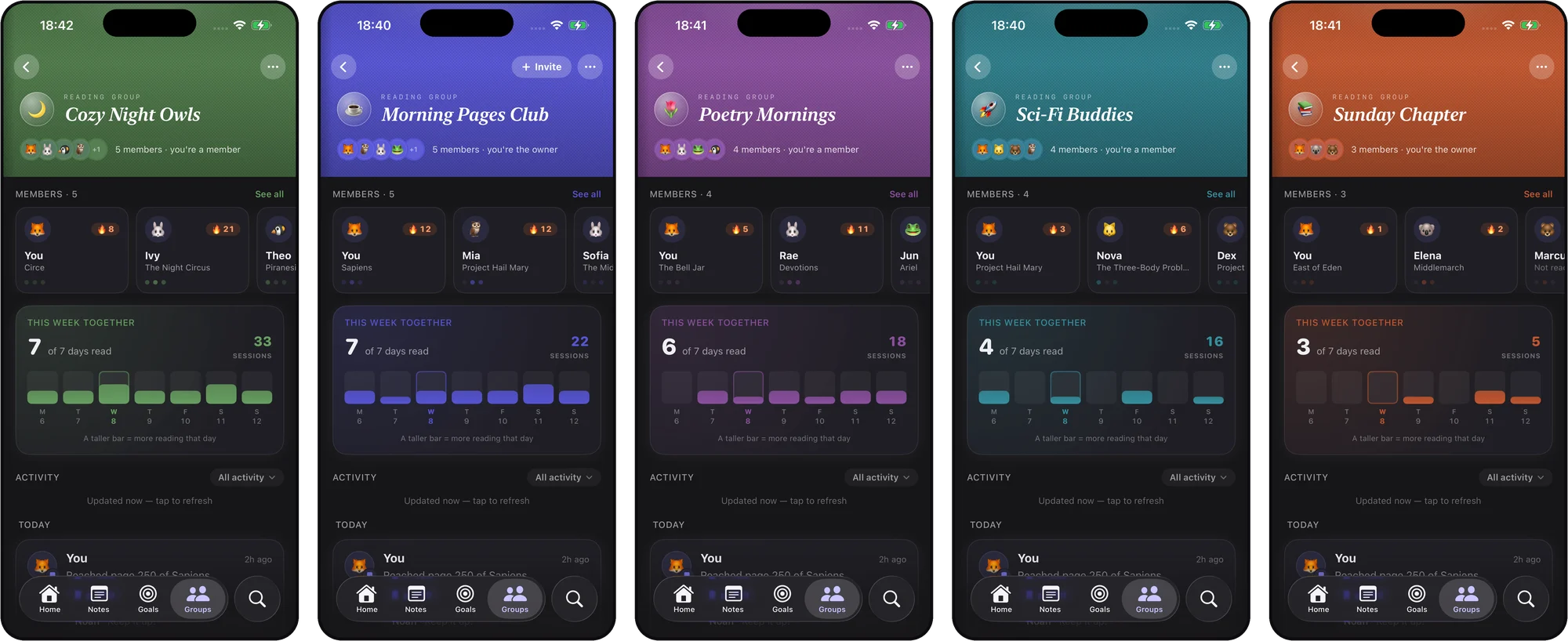
Invite with a link
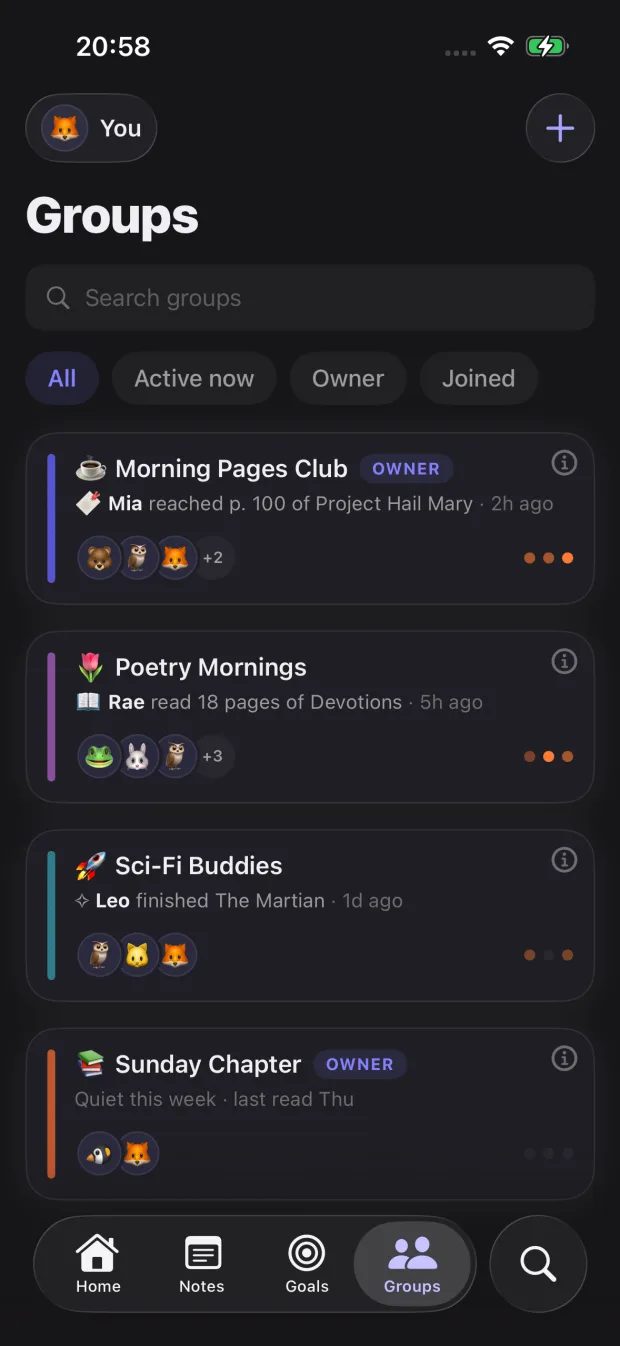
Create a group, share one link. That's the whole flow. The people you invite join with a nickname and an avatar - no new account, no email, just the iCloud that's already on their device. You're the owner: you can rename the group, decide what kinds of activity it accepts, and remove anyone if a link ends up in the wrong hands.
A feed you actually control
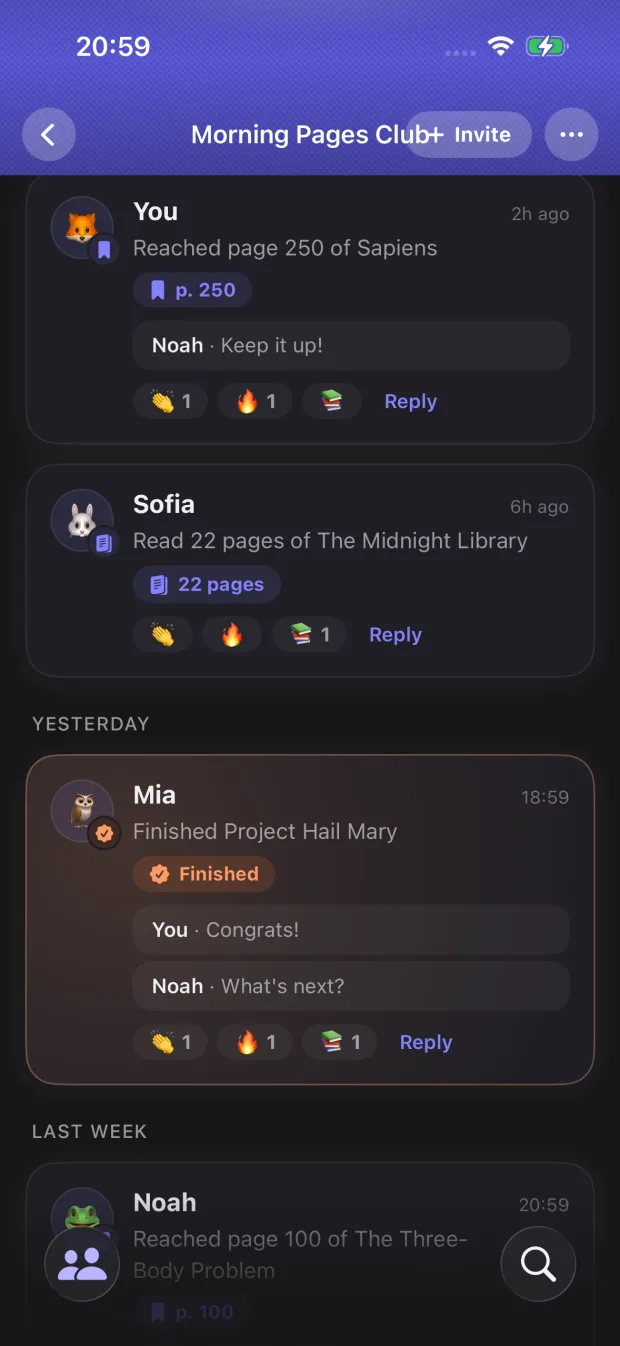
Inside a group, there's a shared activity feed. Finished a book? Hit a milestone? Protected your streak? Share it and the group can cheer with a tap.
The important part: nothing is shared until you turn sharing on - and even after that, any book can be muted. Reading something that's just for you? Mute it and it stays out of the feed and off your card entirely, while the rest of your reading flows normally.
Private by architecture
This is the part I care about most. Groups sync through your own iCloud, end to end. There are no Book Reading Habit servers in the middle - I never see your groups, and neither does anyone else. There are no public pages, nothing for a search engine to crawl.
A group only ever receives a small, purpose-built snapshot of your reading - and only the fields you leave on:
- Your nickname and avatar
- The titles and covers of the books you're reading
- Your streak, shields, and weekly rhythm
- Milestones you've reached
Your notes and your reading minutes never leave your device. A session shows up in a group, at most, as "read a few pages" - and only if you've turned sharing on. Turn a field off and it simply blanks out for the group, no trace left behind.
Free, on iPhone, iPad, and Mac
Reading Groups ship in Book Reading Habit 5.1, free - no subscription required. Everything works across iPhone, iPad, and Mac, staying in sync like the rest of your library. There's a full guide in the docs if you want the details, and the Groups page has the short version.
Start a group, send one link to the people you'd actually want in your reading corner, and keep each other going.
Thank you to everyone who tracks their reading with the app every day. Reading stayed quiet - now it has company.
Happy reading.
Track your reading sessions and build a lasting habit.
Download on the App Store (opens in new tab)More from the blog
Focus Themes: choose the room you read in
Twelve looks for the reading session screen - six free, six living scenes. The timer stays the hero; the theme is the room it sits in.
Book Reading Habit 5
The biggest update since launch: a fresh new look, a native Mac app, full iPad support, and a warmer way to see your reading progress.