Reading Groups
Read together with people you choose. Groups are private, built on your own iCloud — no accounts, no public feed, and nothing is shared unless you opt in.
Creating a group & inviting people
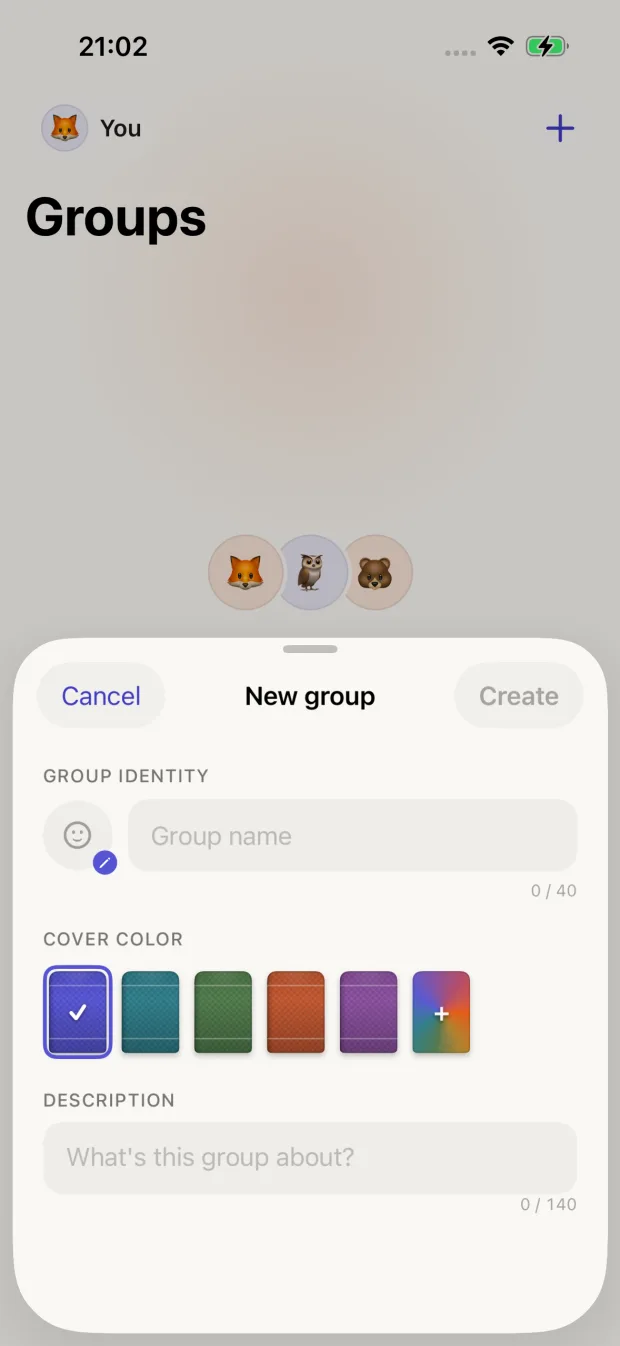
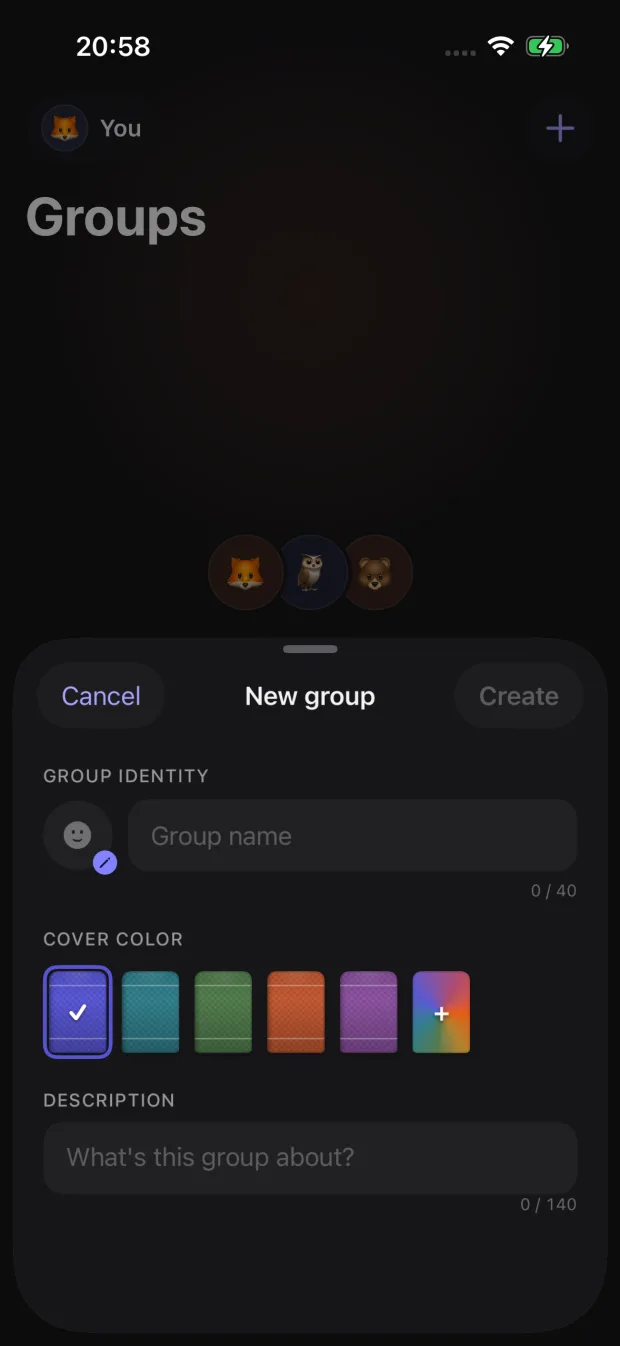
Creating a new reading group
- 1 Open the Groups tab and tap "Create group"
- 2 Pick a group name, and choose your nickname and avatar for this group
- 3 Share the invite link with the people you want in
Treat the invite link like a key
Anyone who has the link can join the group and see what members have chosen to share. Send it only to people you trust — and if it leaks, the owner can remove unwanted members.
What you share (and what you never do)
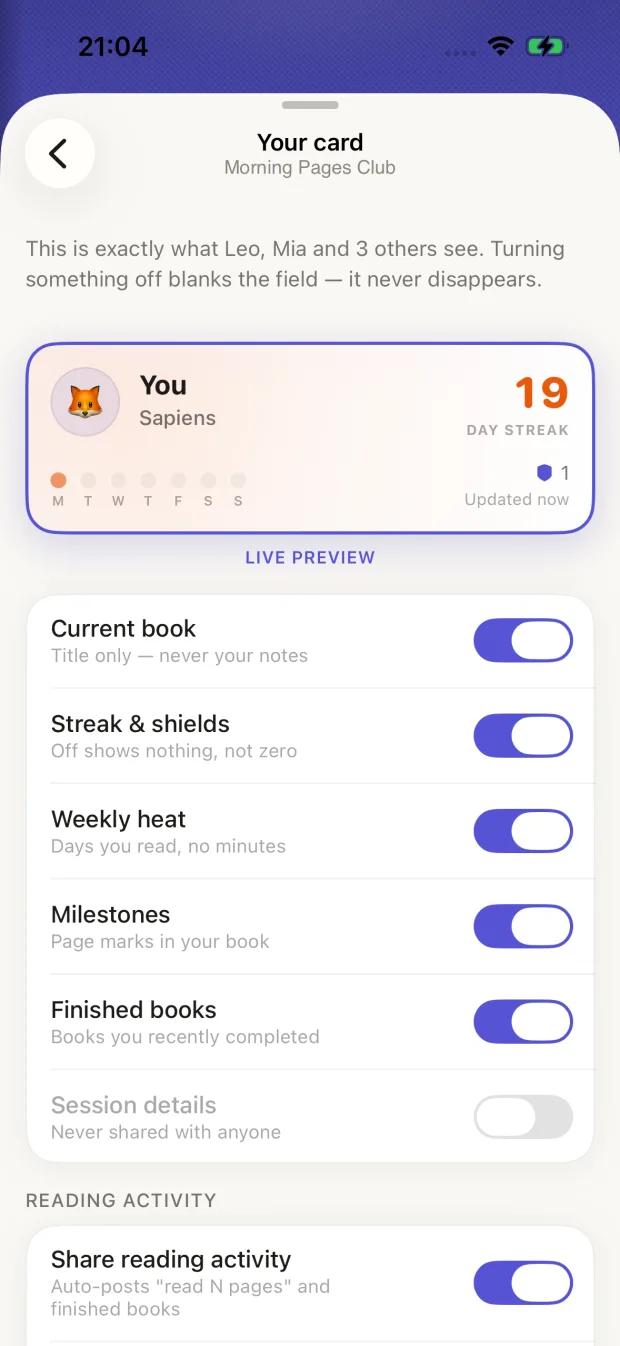
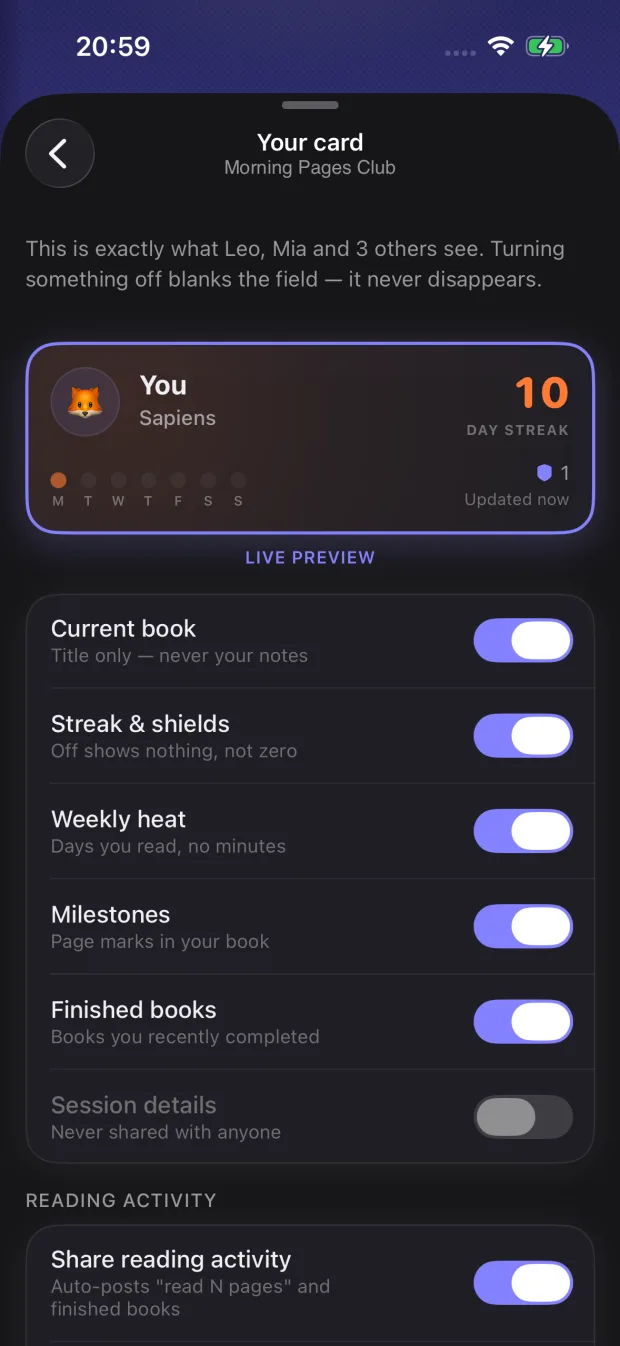
Your card — every field is a toggle
Each group gets a small, purpose-built snapshot of your reading called your card. Every field on it is an individual toggle, and turning one off blanks it without leaving a trace for others to interpret.
Shared, only if you allow it
- Your nickname and avatar for that group (not your name or Apple ID)
- The title and cover of your current book
- Your streak, shields, weekly reading rhythm, and milestones
- Activity posts you choose to share, with light reactions and preset replies
Never shared, under any setting
- Your notes and annotations
- Your individual reading sessions
- Session details like durations, start and end times, and reading minutes
Muting a book
Reading something just for you? Mute an individual book to keep it out of a group entirely — feed and card. The rest of your reading keeps flowing normally.
Managing a group (owners)
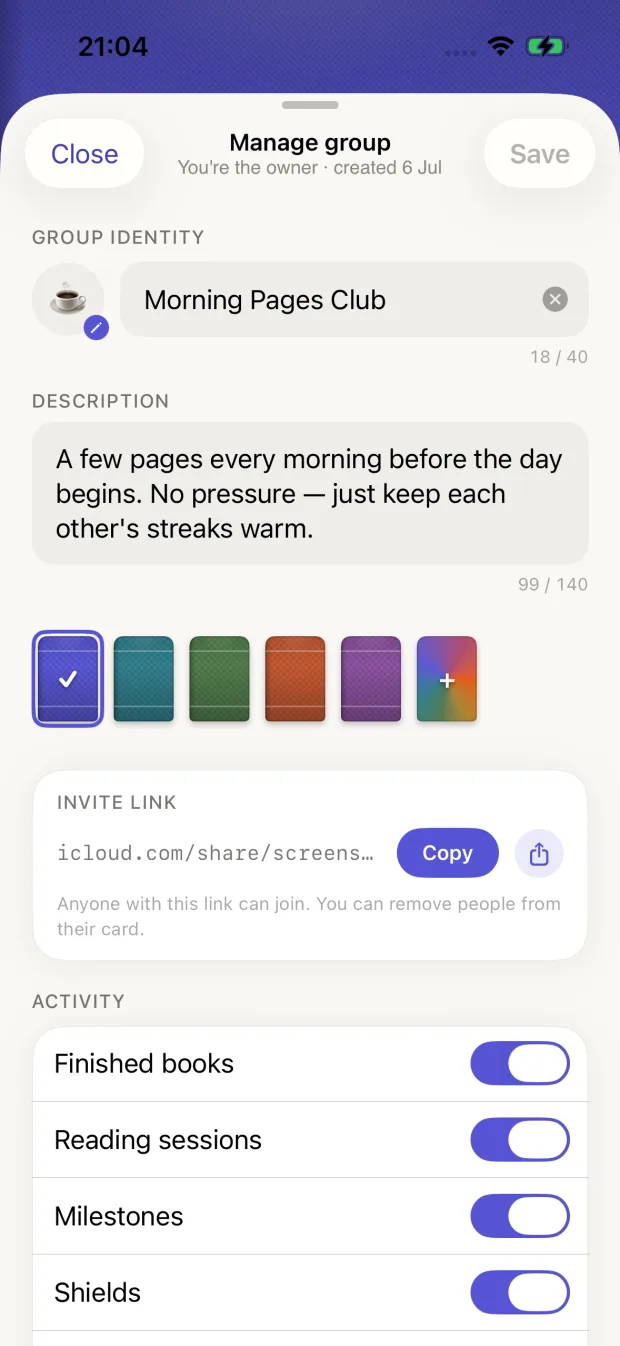
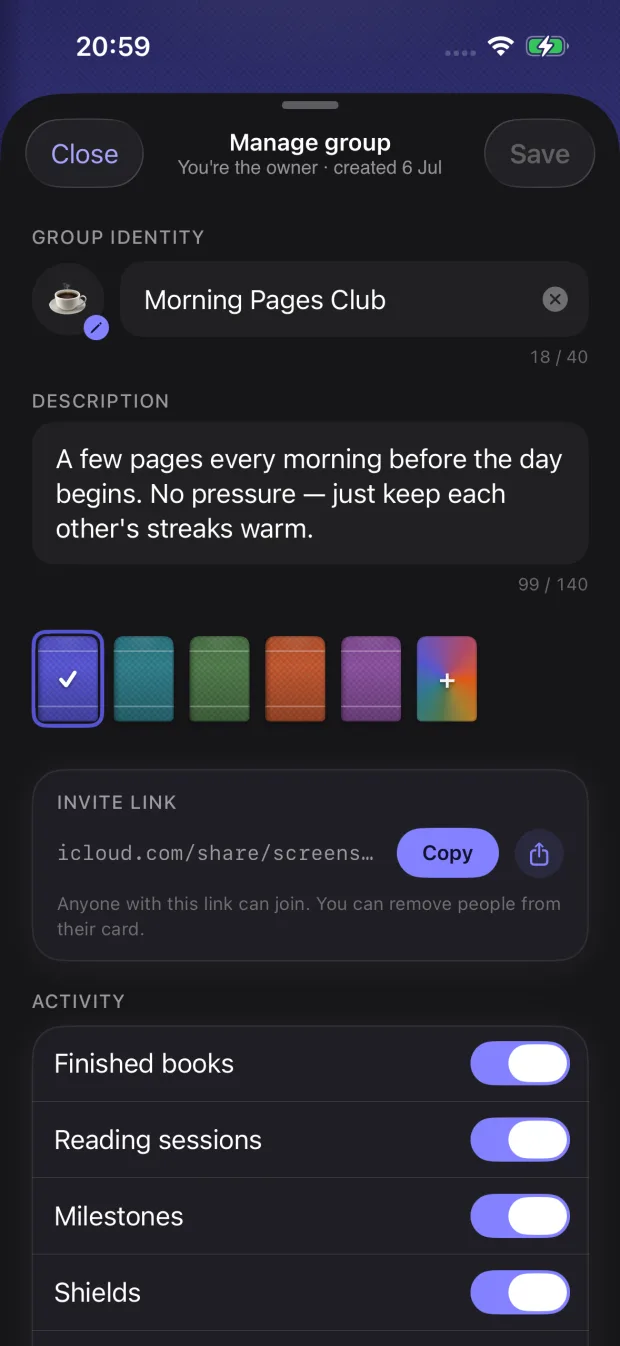
Group management options for owners
The person who created the group can:
- Rename the group
- Set which kinds of activity the group accepts
- Remove or ban members
Owners cannot see anything you have not shared — the same toggles protect everyone, including from the owner.
Leaving a group & your data
Leaving or deleting a group removes your shared card from it. Changes reach other members as their devices sync with iCloud, so information already delivered to someone’s device may remain visible to them until their next sync.
Where group data lives
Groups sync member-to-member through participants’ own iCloud accounts. There is no server we operate, no account to create, and we never see what your group shares.