Webhooks
Send reading events to any URL with custom webhooks. Perfect for building your own automations and integrations.
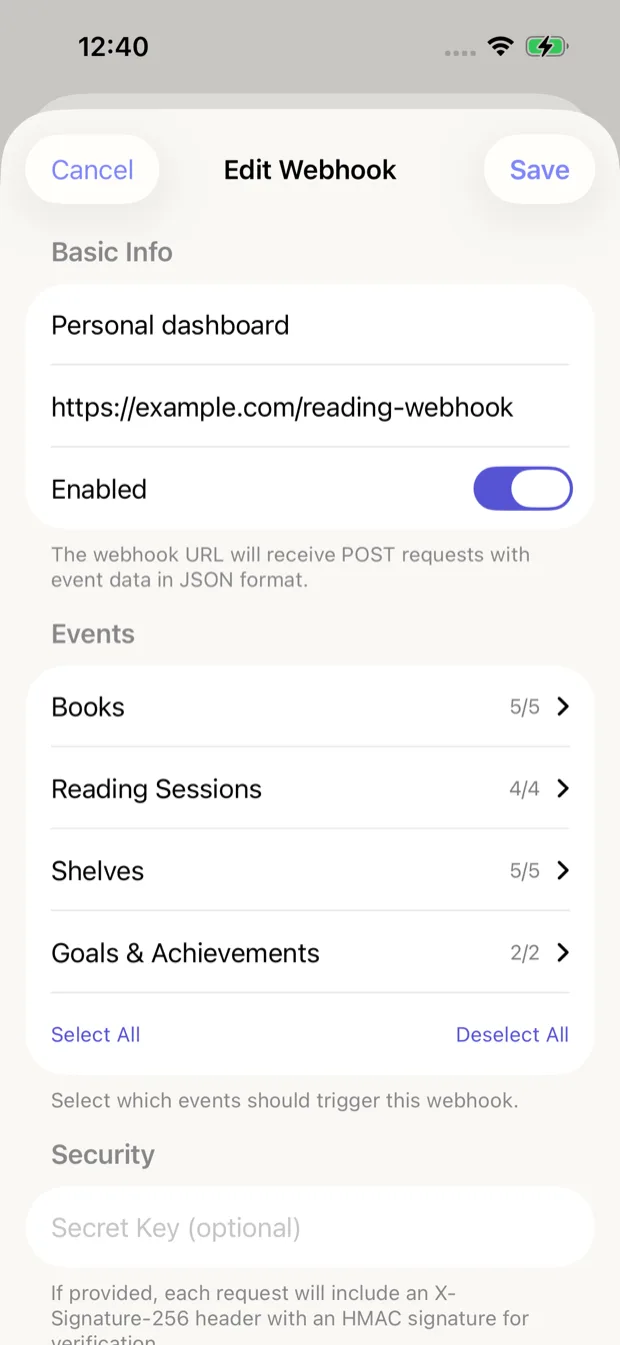
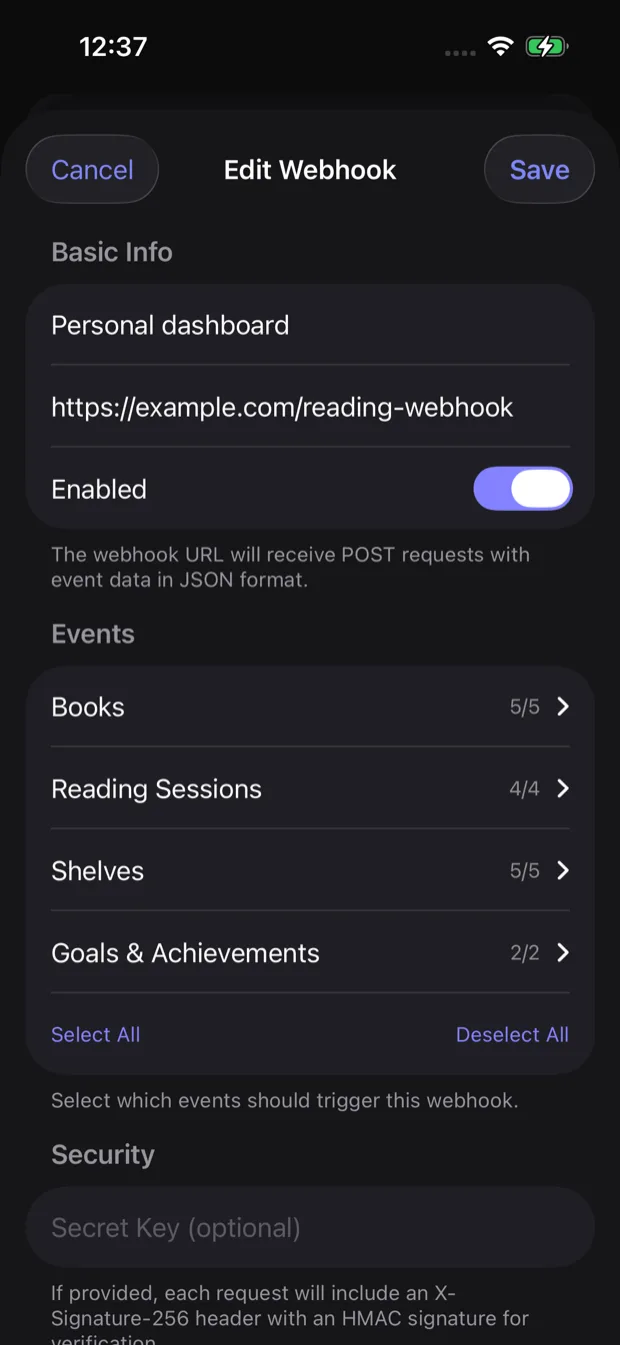
Webhook configuration screen
Webhooks allow you to receive real-time notifications about your reading activity. When an event occurs, Book Reading Habit sends an HTTP POST request to your specified URL with event data in JSON format.
What are Webhooks?
Webhooks allow you to receive real-time notifications about your reading activity. When an event occurs, Book Reading Habit sends an HTTP POST request to your specified URL with event data in JSON format.
How webhooks work
When you configure a webhook URL, Book Reading Habit will automatically send notifications whenever certain events occur:
- An event occurs in Book Reading Habit (e.g., you complete a reading session)
- The app sends an HTTP POST request to your webhook URL
- Your server receives the JSON payload and can process it however you want
Configuration
Configure your webhook with the following settings:
Webhook Name
A friendly name to identify this webhook
Webhook URL
The URL where POST requests will be sent
Secret Key (Optional)
If provided, requests will include an X-Signature-256 header with an HMAC signature for verification
Events
Select which events should trigger this webhook
Payload format
All webhook payloads are sent as JSON with the following structure:
{
  "eventType": "session.completed",
  "timestamp": "2024-12-04T10:30:00Z",
  "book": { ... },
  "session": { ... },
  "metadata": null
}
Learn more
Event Types
Complete list of all 16 events you can subscribe to
Payload Structure
Detailed structure of webhook payloads with all fields
Security best practices
Always use HTTPS URLs and set a secret key to verify webhook requests. The secret key is used to generate an HMAC signature that you can verify on your server.