Telegram Integration
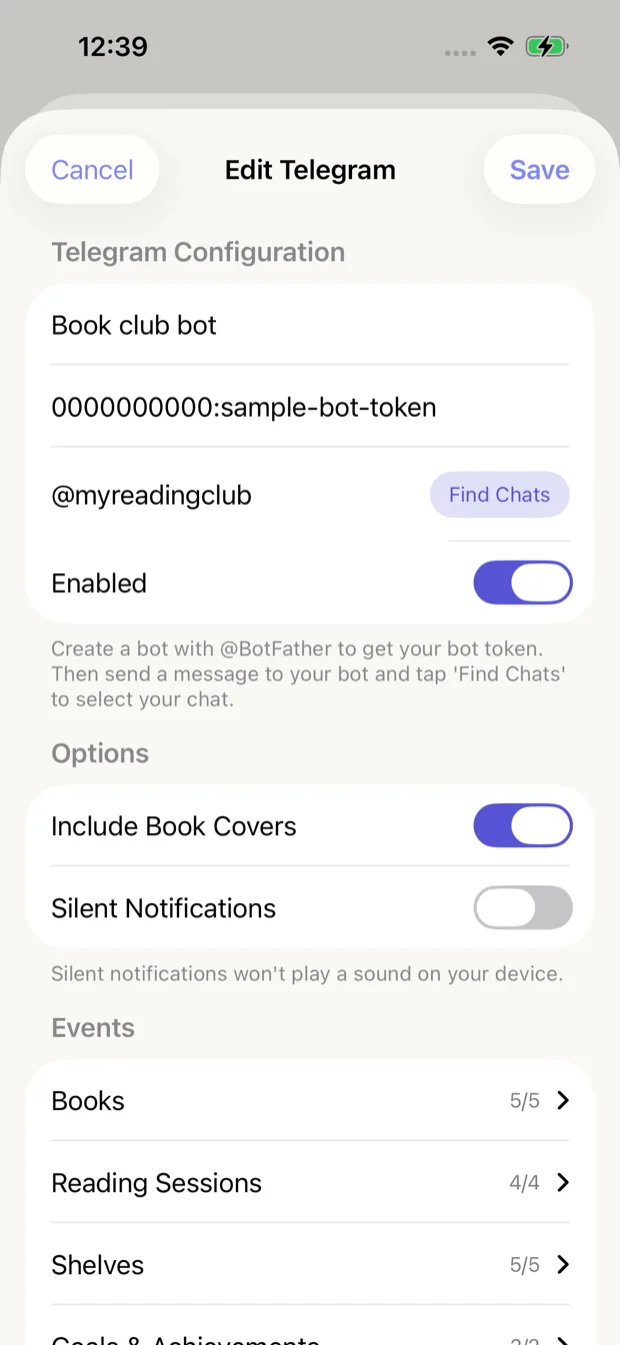
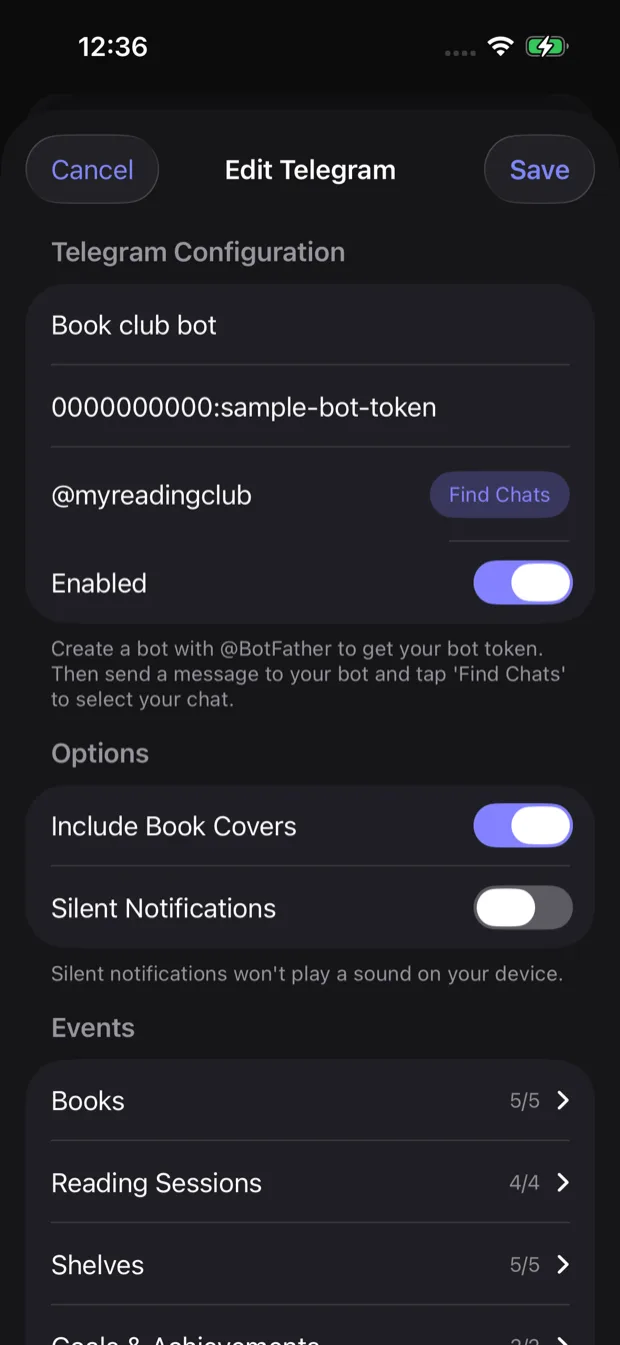
Telegram integration configuration
Get reading notifications sent directly to your Telegram chat. Set up your own bot and receive updates wherever you are.
Setting up Telegram integration
-
Create a Telegram Bot
Open Telegram and search for BotFather. Send /newbot and follow the instructions to create your bot. Save the API token you receive.
-
Get your chat ID
Start a conversation with your new bot, then use userinfobot or similar to get your chat ID.
-
Configure in App
Go to Settings > Integrations in Book Reading Habit and enter your bot token and chat ID.
Configuration
Configure your Telegram bot with the following settings:
Bot Token
The API token you received from BotFather when creating your bot
Chat ID
Your Telegram chat ID. Use the "Find Chats" button after messaging your bot to discover it.
Options
Customize how notifications are sent to Telegram:
Include book covers
Include book cover images in notifications when available
On by default
Silent notifications
Send notifications without playing a sound on your device
Off by default
Available events
Choose which reading events should be sent to Telegram:
Books
5/5Events related to adding, updating, or completing books
Reading Sessions
4/4Events for starting and completing reading sessions
Shelves
5/5Events for creating, updating, or deleting shelves
Goals & Achievements
2/2Events for achieving reading goals and milestones
Finding your chat ID
After creating your bot with BotFather, send any message to your bot. Then tap the "Find Chats" button in the app to automatically discover your chat ID.