Integração com Telegram
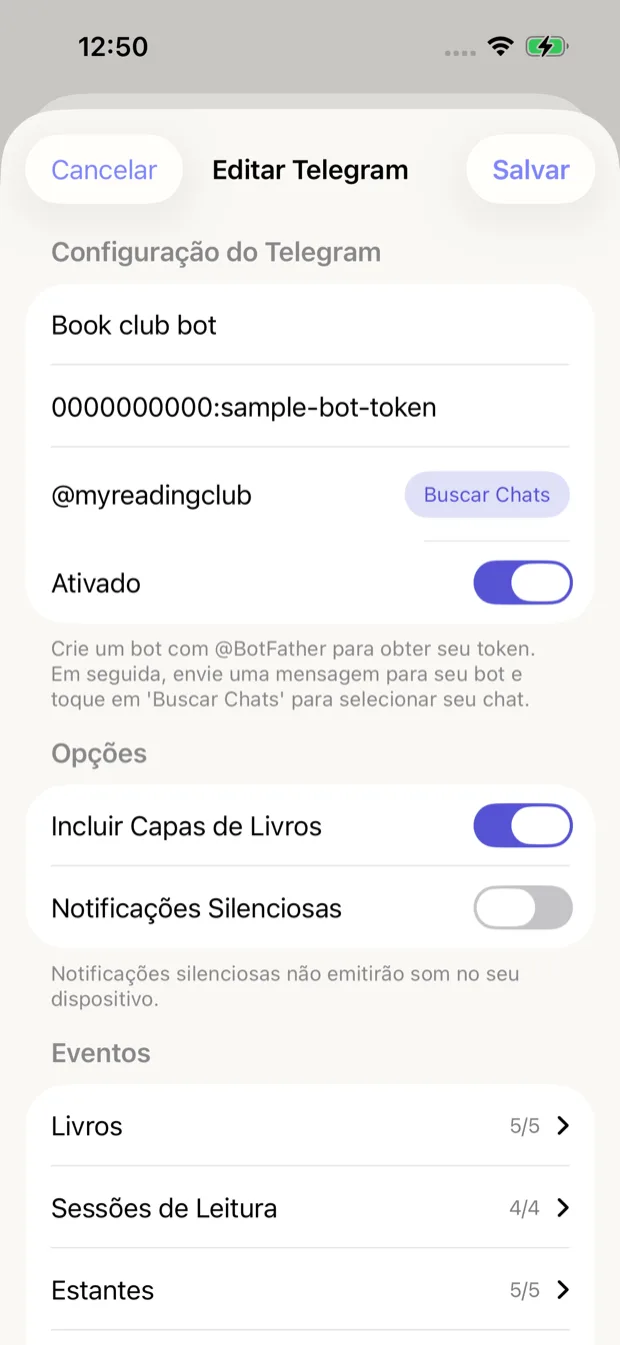
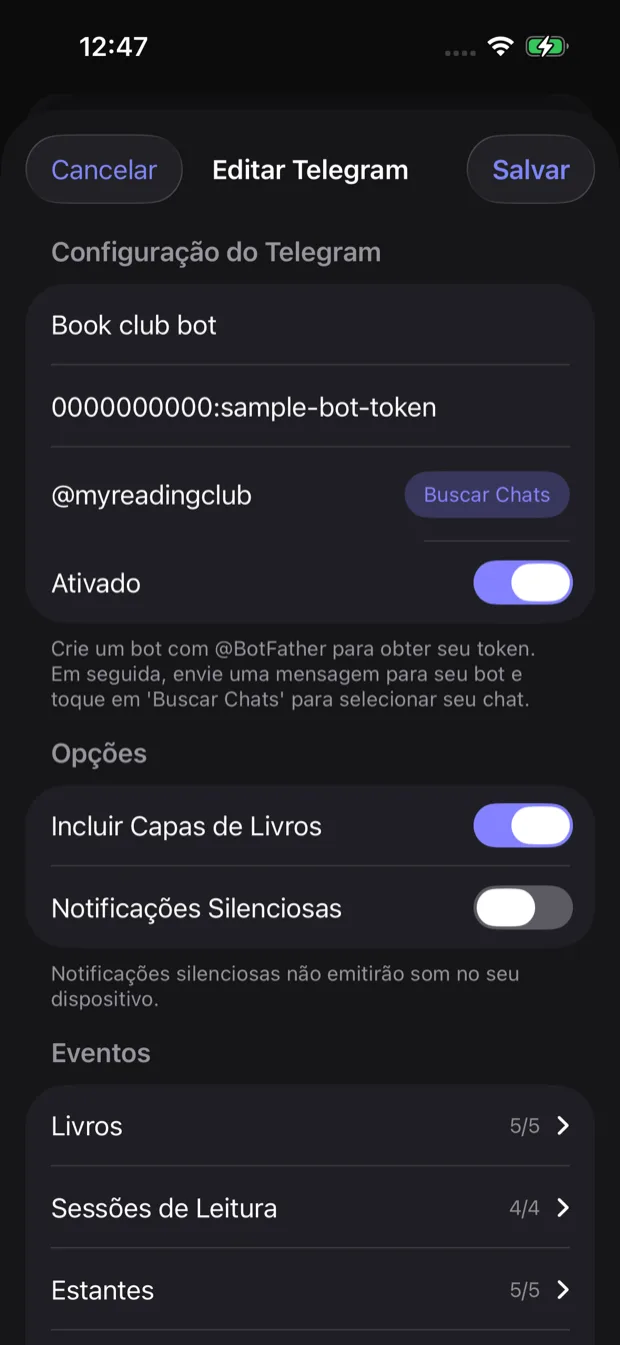
Configuração da integração com Telegram
Receba notificações de leitura diretamente no seu chat do Telegram. Configure seu próprio bot e receba atualizações onde quer que esteja.
Configurando a integração com Telegram
-
Crie um bot no Telegram
Abra o Telegram e procure por BotFather. Envie /newbot e siga as instruções para criar seu bot. Guarde o token da API que você receber.
-
Obtenha seu chat ID
Inicie uma conversa com seu novo bot, depois use userinfobot ou similar para obter seu chat ID.
-
Configure no app
Vá em Configurações > Integrações no Book Reading Habit e insira seu token do bot e chat ID.
Configuração
Configure seu bot do Telegram com as seguintes opções:
Token do bot
O token de API que você recebeu do BotFather ao criar seu bot
Chat ID
Seu chat ID do Telegram. Use o botão "Buscar chats" depois de enviar uma mensagem ao seu bot para descobri-lo.
Opções
Personalize como as notificações são enviadas ao Telegram:
Incluir capas de livros
Inclui imagens das capas nas notificações quando disponíveis
Ativado por padrão
Notificações silenciosas
Envia notificações sem tocar som no seu dispositivo
Desativado por padrão
Eventos disponíveis
Escolha quais eventos de leitura devem ser enviados ao Telegram:
Books
5/5Eventos relacionados a adicionar, atualizar ou concluir livros
Reading Sessions
4/4Eventos de início e conclusão de sessões de leitura
Shelves
5/5Eventos de criação, atualização ou exclusão de estantes
Goals & Achievements
2/2Eventos de metas de leitura atingidas e marcos alcançados
Encontrando seu chat ID
Depois de criar seu bot com o BotFather, envie qualquer mensagem para ele. Em seguida, toque no botão "Buscar chats" no app para descobrir seu chat ID automaticamente.