Integração com Slack
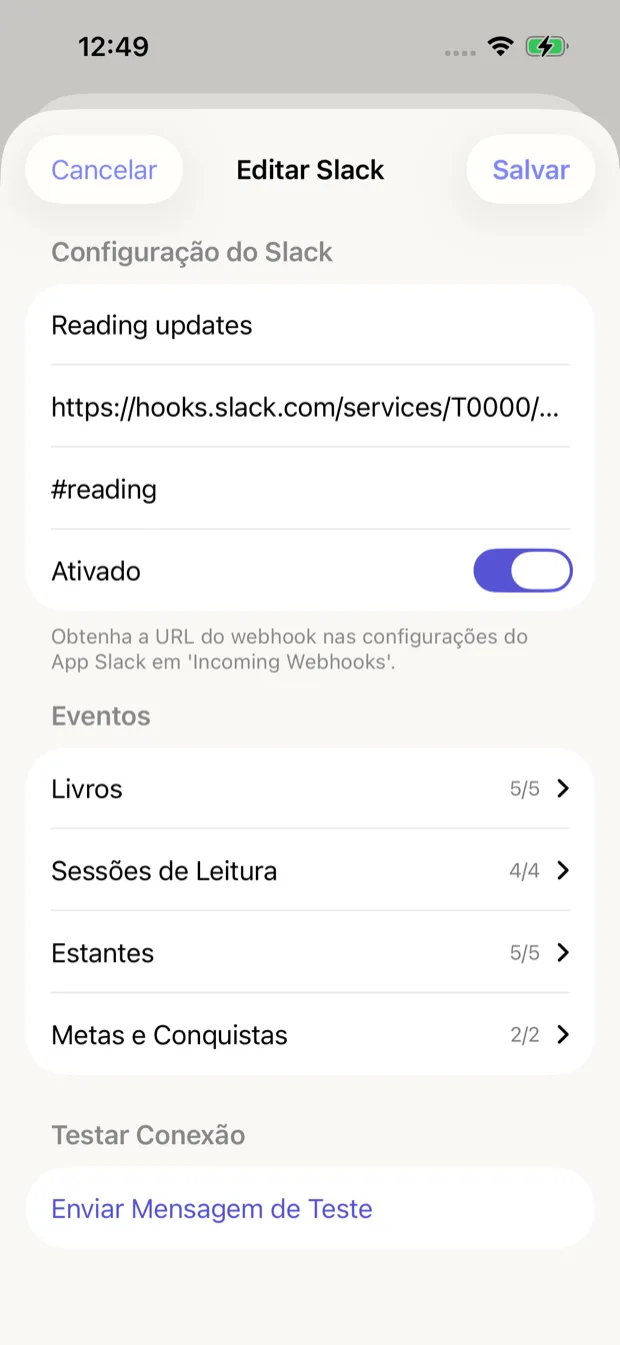
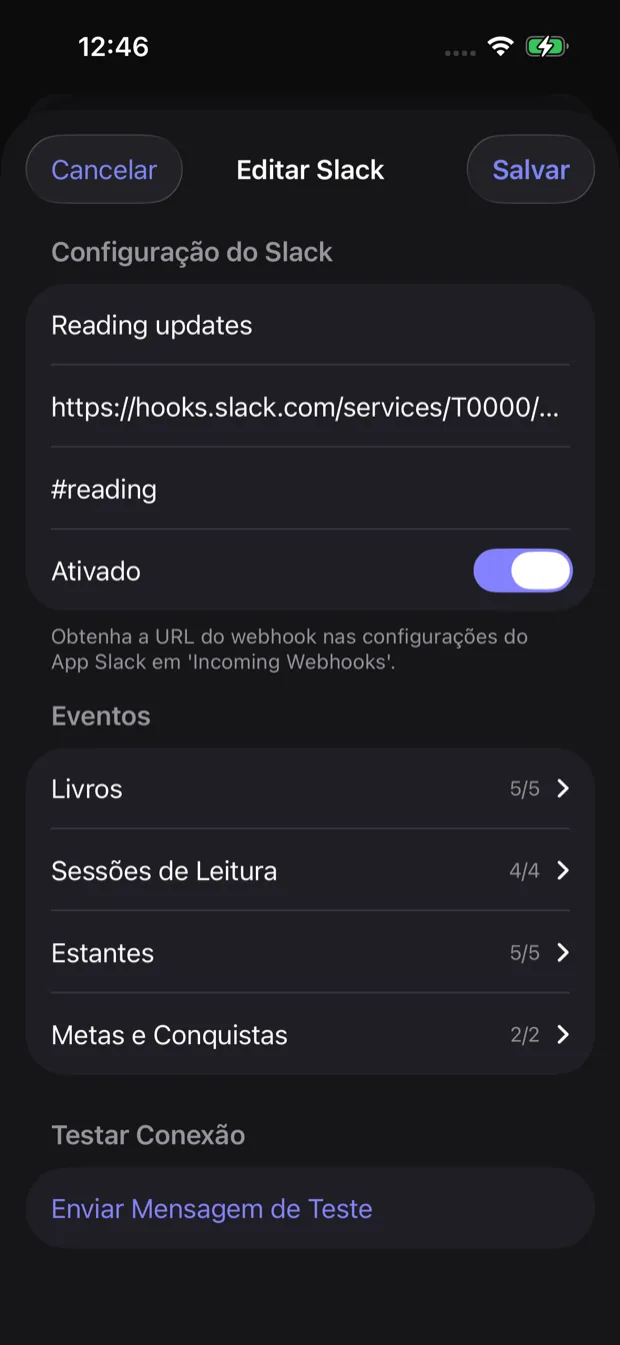
Configuração da integração com Slack
Receba atualizações de leitura diretamente no seu workspace do Slack. Perfeito para compartilhar seu progresso com sua equipe ou manter um registro pessoal em um canal privado.
Configurando a integração com Slack
-
Crie um app no Slack
Acesse api.slack.com/apps e crie um novo app para seu workspace.
-
Ative incoming webhooks
Nas configurações do app, ative incoming webhooks e crie um novo webhook para o canal desejado.
-
Copie a URL do webhook
Copie a URL do webhook que o Slack gera para você. Será algo como: https://hooks.slack.com/services/...
-
Adicione no Book Reading Habit
Vá em Configurações > Integrações no app e cole sua URL de webhook do Slack.
Configuração
Configure sua integração com Slack com as seguintes opções:
URL do webhook
A URL de incoming webhook do seu app do Slack (obtenha em api.slack.com/apps)
Nome do canal (opcional)
Substitui o canal padrão (ex: #registro-leitura). Deixe vazio para usar o canal configurado no Slack.
Eventos disponíveis
Escolha quais eventos de leitura devem ser enviados ao Slack:
Books
5/5Eventos relacionados a adicionar, atualizar ou concluir livros
Reading Sessions
4/4Eventos de início e conclusão de sessões de leitura
Shelves
5/5Eventos de criação, atualização ou exclusão de estantes
Goals & Achievements
2/2Eventos de metas de leitura atingidas e marcos alcançados
Dica
Crie um canal #leitura dedicado no Slack para manter suas atualizações de leitura organizadas e separadas das outras notificações.